AdFunnl reads your Snapchat ad accounts down to the ad, ranks your Snapchat creatives with the rest, and puts the results in the same view as every other ad platform and your store, in one reporting currency.
Start free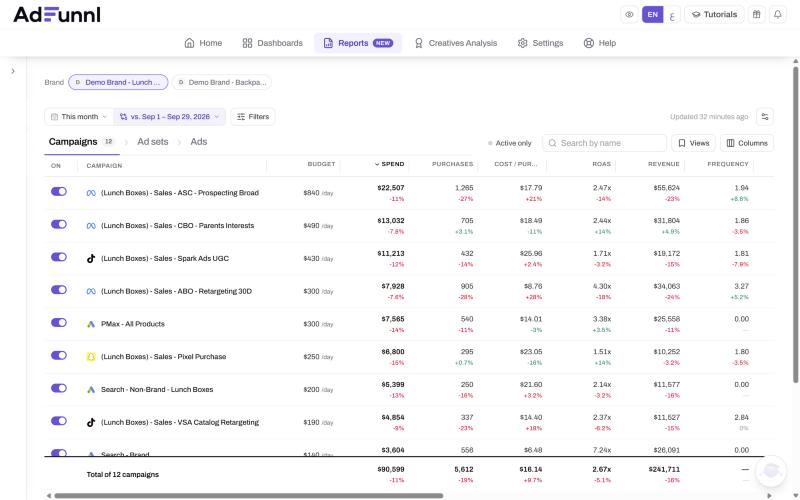
Snapchat reports in its own dashboard, with its own column names and its own attribution window. Putting it next to Meta, TikTok and Google, or next to what the store actually sold, means another login, another export and more converting by hand before anyone can tell whether Snapchat earned its budget.
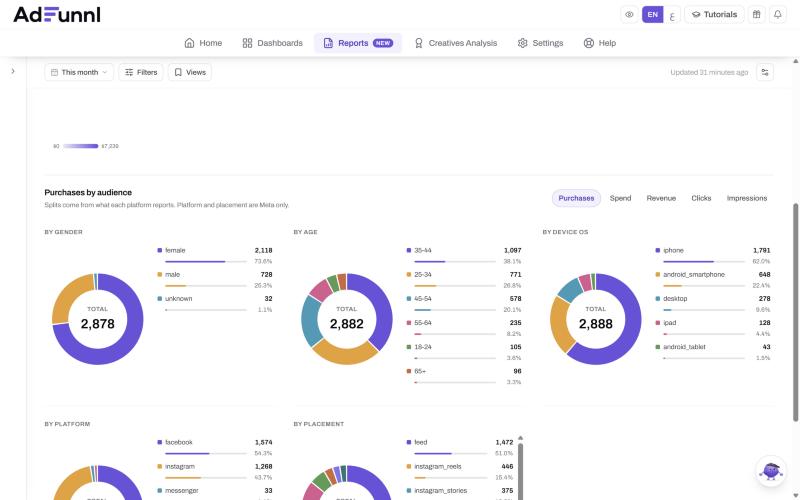
Breakdown widgets show gender, age, country and region as a donut, bar, table or map, summed across every Snapchat account and campaign in view. The Audience insights report puts Snapchat and Meta on one page, so you can see who buys from each.
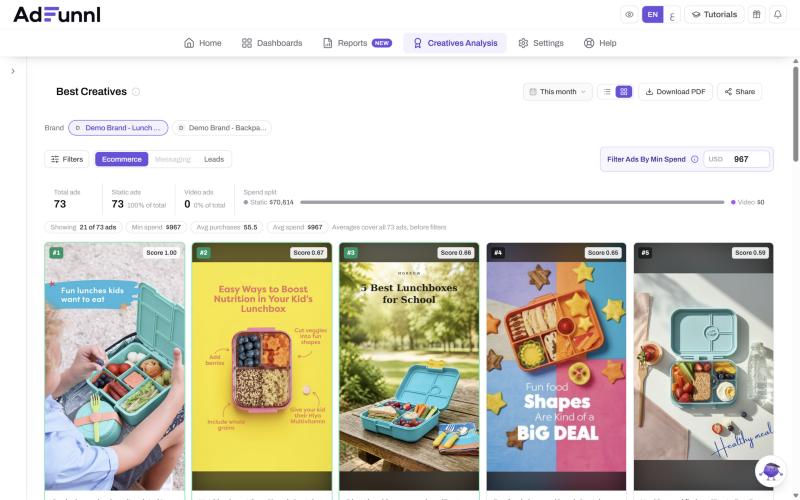
Best Creatives ranks Snapchat ads by one score, weighing return, cost and click-through together, next to your Meta and TikTok ads, across several ad accounts at once and with each creative on the page.
Connect AdFunnl to Claude or ChatGPT and ask it to make the change. Every change comes back as a plan first and only happens once you approve it in the chat.
| The job | In Snapchat Ads Manager | In AdFunnl |
|---|---|---|
| Seeing Snapchat next to Meta, TikTok and Google | Open each platform in its own tab | One table, one currency |
| Checking Snapchat against store revenue | Line it up with your store by hand | Store ROAS next to blended ROAS |
| Finding the winning creative | Snapchat ads only, account by account | Ranked with every platform's ads |
| Sending the client their numbers | Export, then build the report | A live link or a PDF with their logo |
Yes. Snapchat brings in gender, age, country and region breakdowns. It does not report device.
Not inside the dashboard: those switches are for Meta and TikTok. From Claude or ChatGPT you can pause, turn on and change budgets on Snapchat, after approving each change.
No. Every account is converted into one reporting currency at the current market rate, or at your own rate per currency if you set one.
Every 12 hours on Free and Solo, every 6 hours on Growth and every hour on Agency. The last 3 days are fetched again on every sync, so conversions that report late still land.
Yes. Your plan sets how many, from 3 ad accounts on Free upwards, and they can be grouped by brand or client.
Other ad platforms
Connect it on the Free plan and see it next to the rest. Add your other platforms when it earns its place.
Start free